DoWrite

DoWrite

A tool to write down your ideas in a distraction free space

1 follower

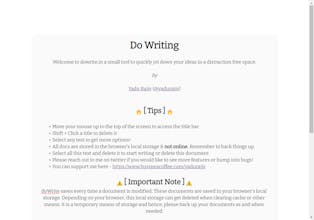
DoWrite.in gives you a browser based distraction free writing experience. Write multiple documents, simple and easy to use rich text editor, embed images, emojis, autosaves all data locally on your browser and also export as docx or png
DoWrite gallery image
Free
Launch tags:ProductivityWriting
Launch Team
AssemblyAI
AssemblyAI
Build voice AI apps with a single API
Promoted

What do you think? …

Andrew Tsao
Wow really minimal and I especially like the download as an image function. Well done man!
yaDude
@andrew_tsao Thank you! :) Some people now use it to make quick memes hehe
yaDude
Some of us wanted a distraction free writing environment with minimal bells and whistles; where we can focus on the writing with some formatting to boot. Thus, doWrite.in was born! Hope you like it!
Dan, not an AI bot.
I like the sleek elegance of it! It says, "Can now download the whole document as an image!" How does one do that?
yaDude
@dfoster Thank you! :) Just select any text to get toolbar, and then click the camera icon - it auto downloads the document as an image and saves as a png with the same name as the document.
fred first
Dowrite.in saves hyperlinks to web pages that look very nice but in Vivaldi at least, they only show the url in a pop-up but are not clickable. Have I missed something?
yaDude
@fred1st Hi! Yes, this is not specific to Vivaldi. You can copy paste or insert links via the toolbar, but since this is and editor it doesn't let you click on them. You can at the moment, right click on them and open a new tab/window. I'll try and see if I can figure out a way other editors do it (usually using a Ctrl+Click like on MSWord etc). Thank you for trying dowrite.in I hope it is useful! :)