Elegant Converter

Elegant Converter

Mac app to convert audio and videos to many formats

3 followers

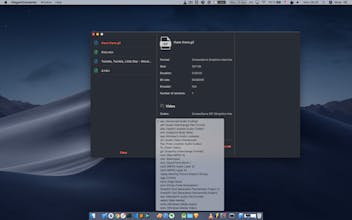
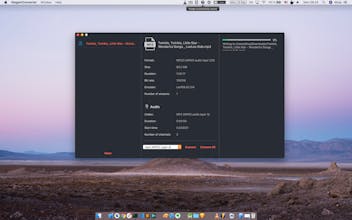
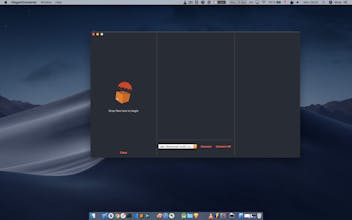
You can drag and drop files to the left panel, select output formats in the centre panel and can. choose to convert one or many audio and videos files
Elegant Converter gallery image
Launch tags:iOSProductivityTech
Launch Team
OS Ninja
OS Ninja
Explore and Learn Open Source using AI
Promoted

What do you think? …

Liam Roberts
Super slick! Great work on the design; it looks like a really intuitive user experience.
Khoa
@liam_roberts Thanks, great to hear that
Lisa Dziuba
So cool! you are just unstoppable!
Chase Giunta
Nice Khoa. This looks great. Is this using ffmpeg under the hood?
nancynormin
really intuitive!!
Khoa
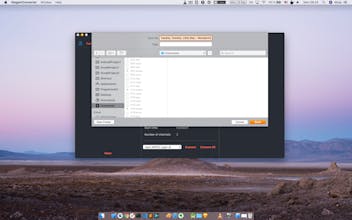
Hi, excited to introduce my next macOS app, Elegant Converter, written in pure Swift and support macOS exclusively The app is written in native and provides fast experience and slick looking. You can drag and drop files to the left panel, select output formats in the centre panel and can. choose to convert one or many files at the same time. In the right panel you can view converting progress and status. Features included - Support many audio and video formats: mkv, mov, mp4, mp3, gif, ogg, wav, opus, avi, webm, flac, ... - Show detailed information about audio and video streams within a file, including duration, start time, bit rate, sample rate, frame rate, aspect ratio, codec and more informations. - Convert one or all files - Detailed reporting with percentage and output path, so you can locate There are many options to adjust the converted files - Perform concurrently: for many small files, it's good to convert them all in parallel - Specify duration: crop media files - Change video frame rate: adjust fps of video stream - Change resolution: adjust resolution of each frame inside video - Change aspect ratio: adjust aspect ratio to your liking, say 1:1, 16:9 or 4:3 - Remove audio stream or video stream from media files - Change bit rate: change bit rate of audio stream to reduce file sizes.
Stephen Anglin
can it convert flac to Apple Lossless audio