Mega Creator by Icons8

Quickly make custom graphics from photos, vectors, and texts

15 followers

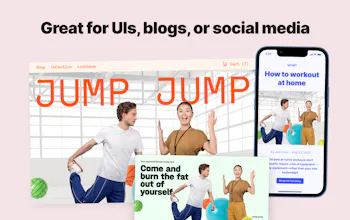
Mega Creator is an online graphic app that lets everyone create awesome visuals without special skills and costly design software. Use templates or create your own with our illustrations, photos, icons, and even AI-generated faces.
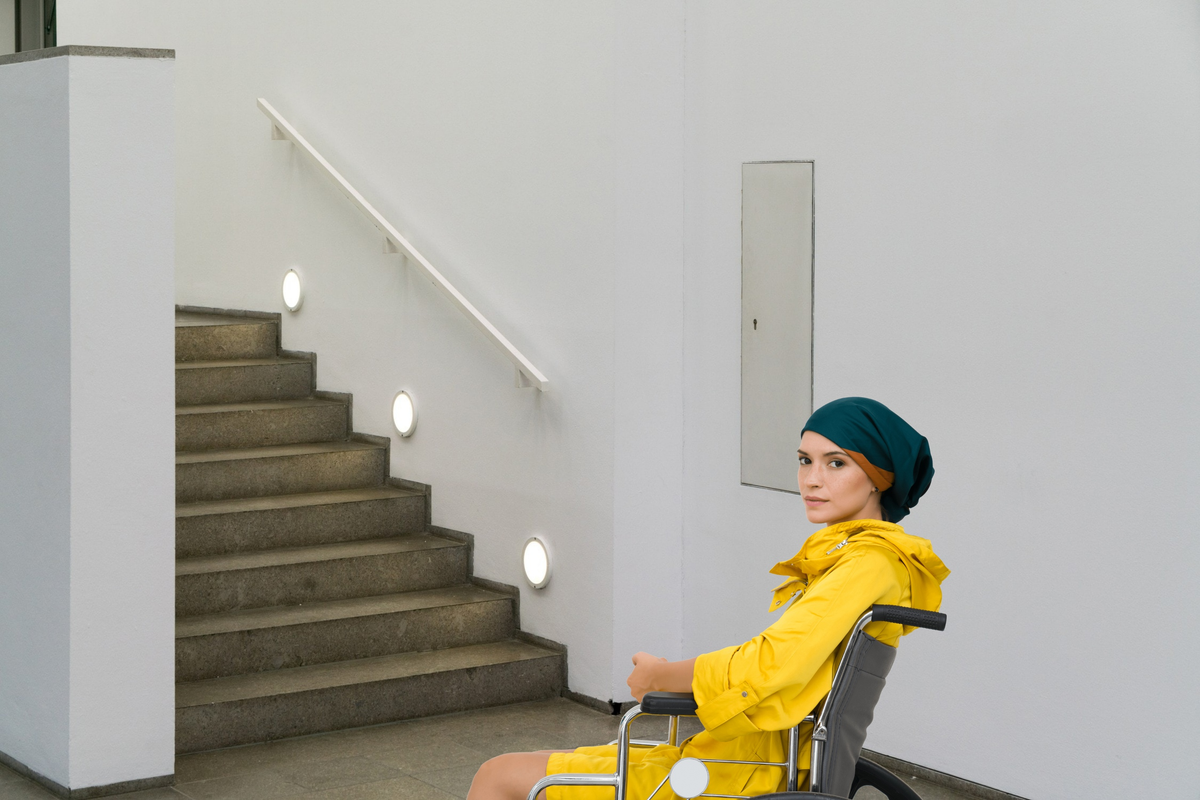
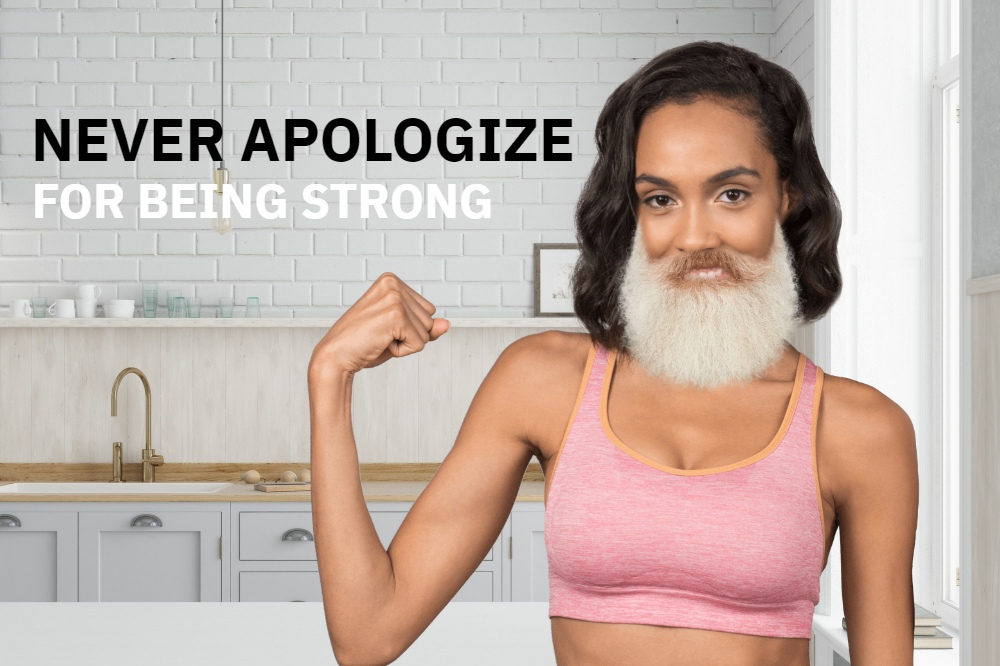
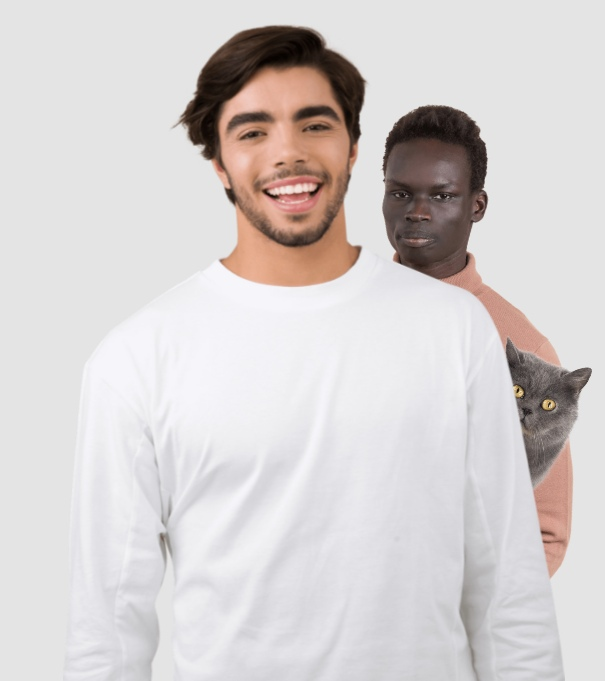
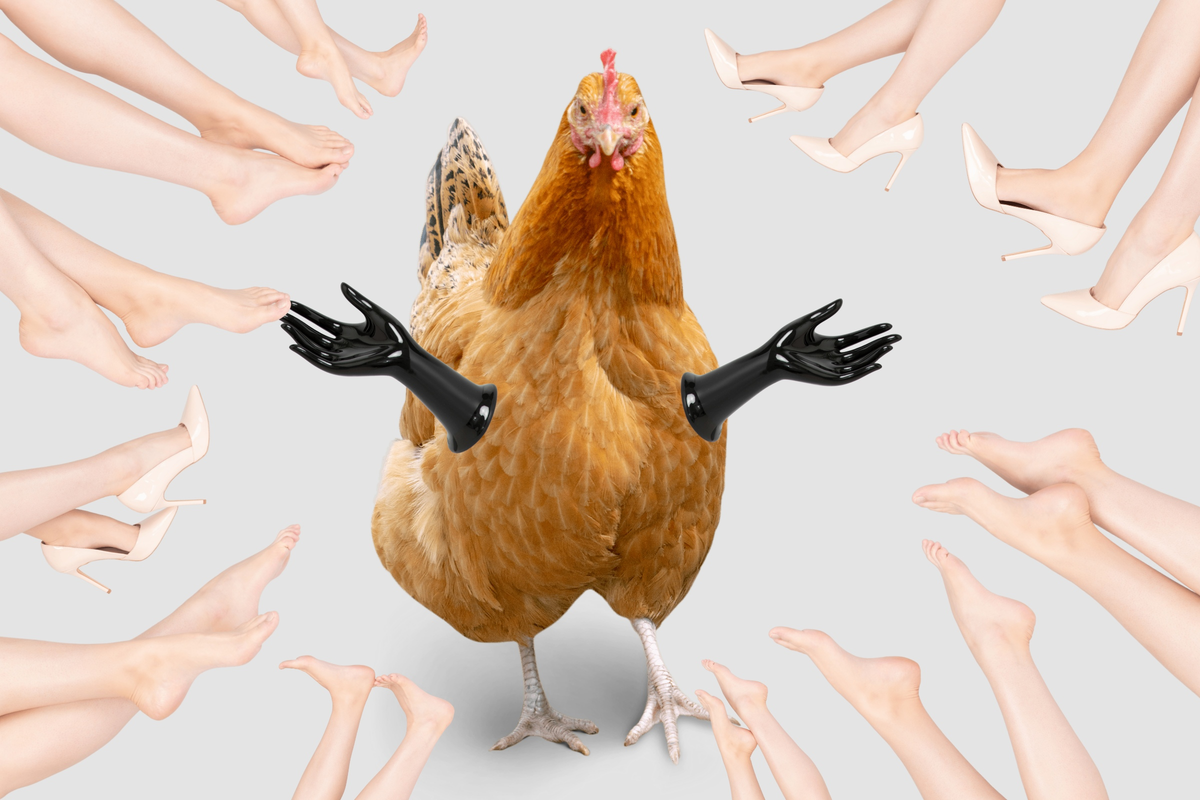
Mega Creator by Icons8 gallery image
Free Options
Launch Team
Intercom
Intercom
Startups get 90% off Intercom + 1 year of Fin AI Agent free
Promoted

What do you think? …

Ruben Wolff
Congrats on the launch, it looks amazing. How intuitive and easy to use is it? And how do you compete with a competitor like Canva for example?
Luba Zee
@rubenwolff Thanks, Ruben! Mega Creator is as intuitive and easy as possible. It's all about creating a new image in a few clicks and basic skills like drag-and-drop, resizing, and positioning. As for the Canva, I don't see it as a competition since it's a big market where Canva is a powerful tool and Mega Creator is a simple one. And they both are more about making people's life easier.
Ivan Braun
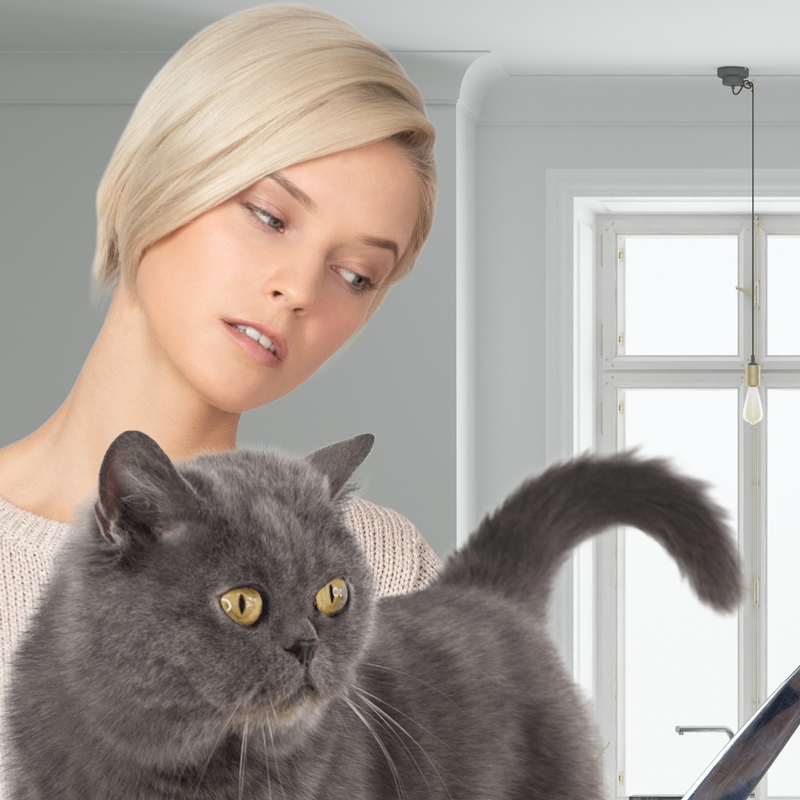
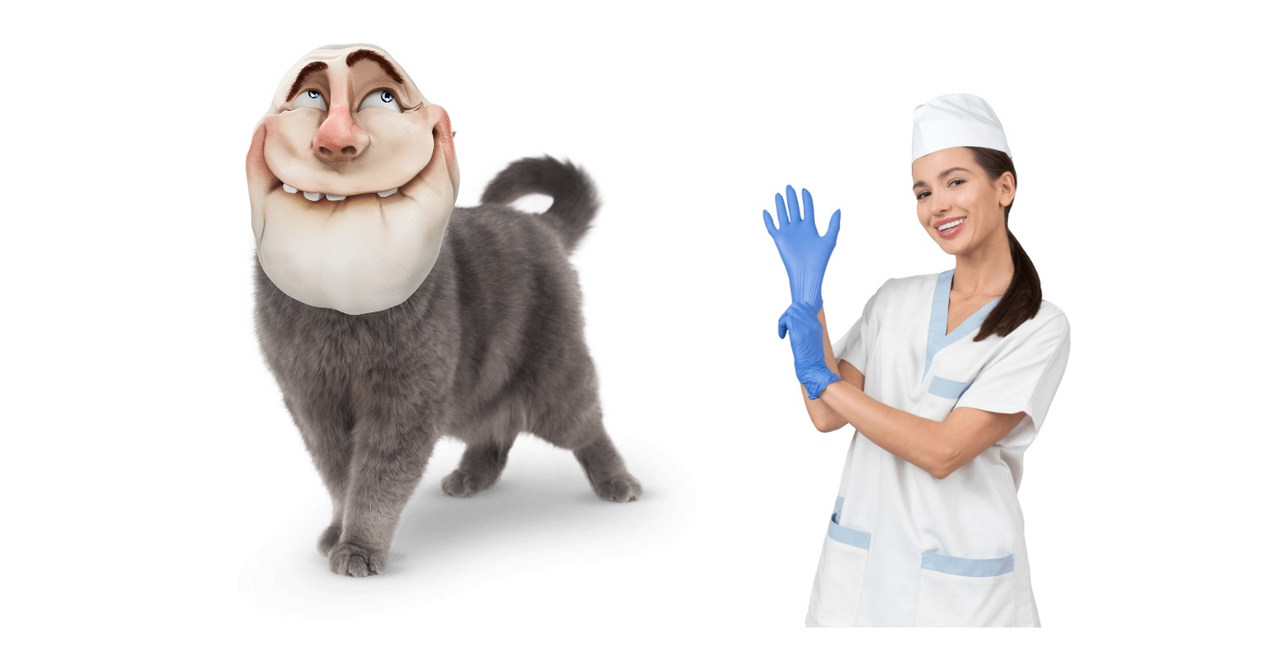
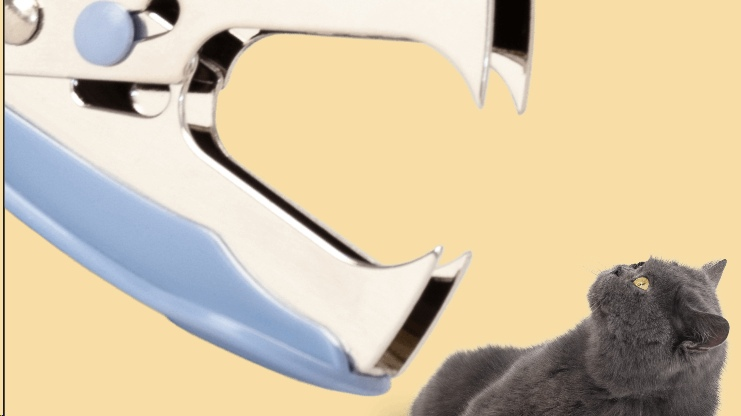
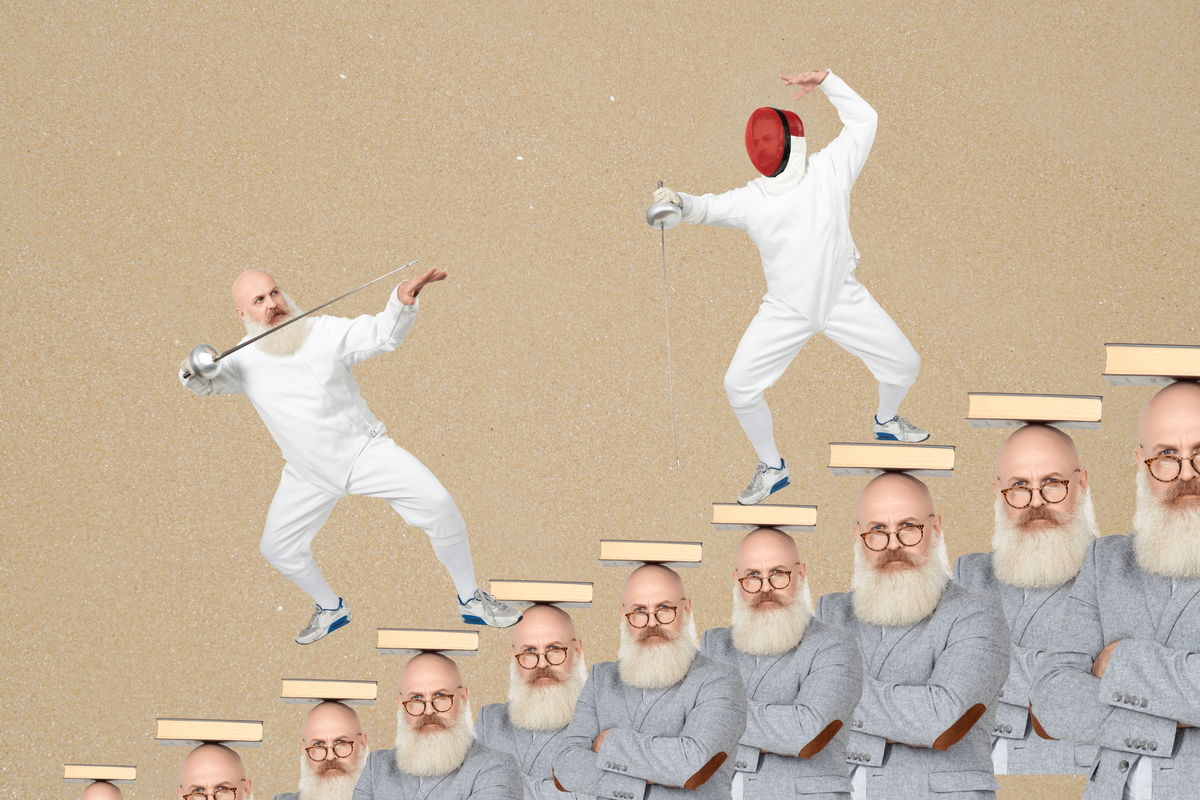
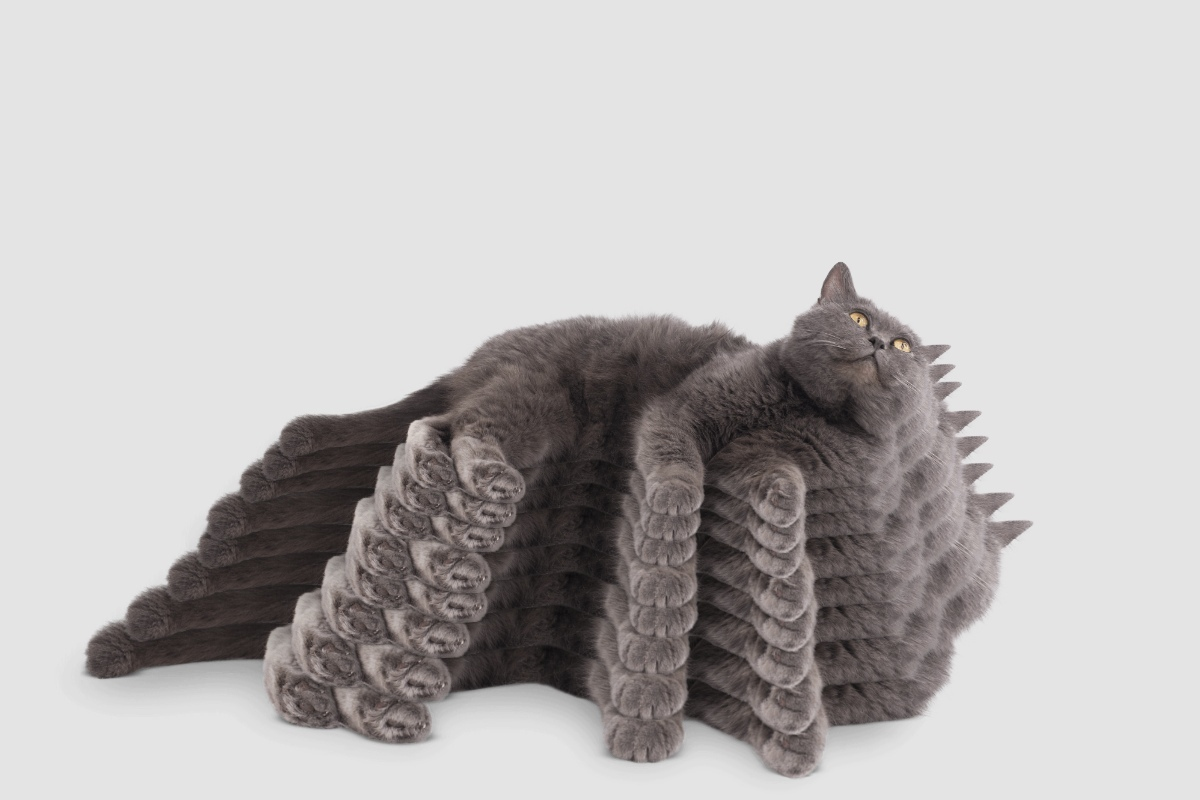
@rubenwolff Canva is for templates, we're for photos and illustrations. Canva allows you to pick a template, then customize it. Mega Creator allows you to compose a scene from people, objects, and backgrounds. This is a rendered Christmas tree + rendered hand: A studio shot model + studio shot mask + rendered background: This image is composed of two human figures, a callout, and a text:
Luba Zee
@rubenwolff @visualpharm Though we have templates — for those who need something to start with. And those templates have a high level of customization, including adding and removing elements, replacing them, recoloring vector objects, and changing font faces. Here, this is one of our standard templates: And here I've recolored it: And here... We detected a lack of toilets in our library, so this will be a poster about toilets:

Ivan Braun
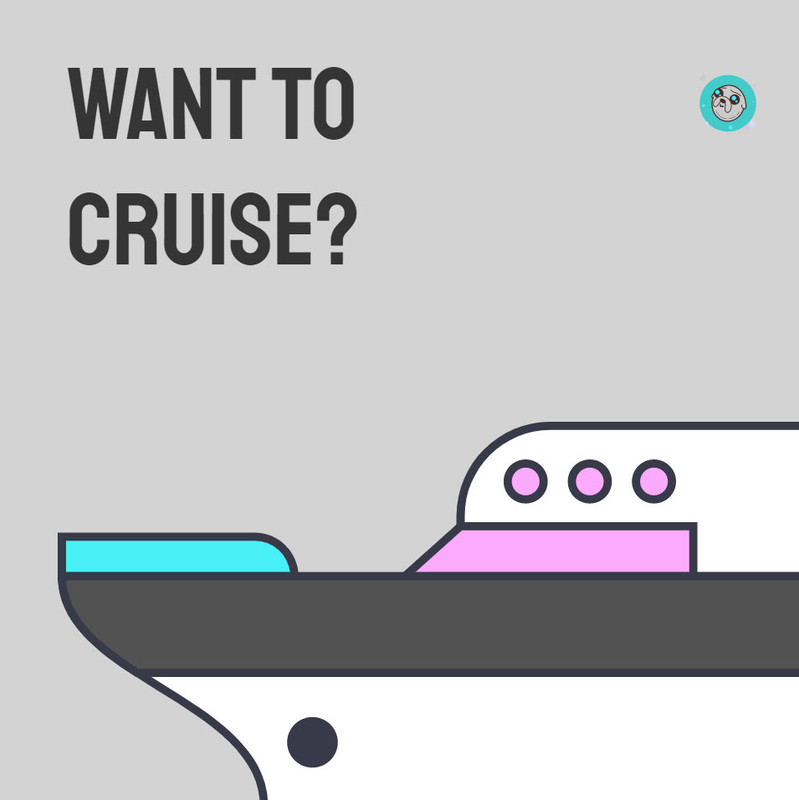
Hey PH! Meet Mega Creator, an online editor that lets you create eye-catching designs in no time. We made this DIY graphic design tool for those of you who need a nice picture, who need it quickly, and want it to look professional: 🎨 Designers - for quick pictures to enhance your designs 🖊 Bloggers and copywriters - for custom photos and illustrations to tell your stories, not the stories of stock photographers and illustrators 👍 Social media marketers - for captivating posts and ads 🎬 YouTubers - for awesome video thumbnails 👩‍🎓 Academics and students - for engaging visuals 😎 Everyone - for all the above and more And we’ve got a special treat for 🚀 Product Hunters. You can create catchy thumbnails and gallery images for your launches. Or customize the canvas size to 1500x500px and craft a nice header image for your profile. Mega Creator is less of this: 🚫 Mastering expensive and complicated graphic software 🚫 Wasting hours browsing google for the right pictures 🚫 Spending time sourcing freelancers … and more of this: ✅ Creating graphics with a few simple instruments like drag-and-drop, resizing, and positioning ✅ Using hundreds of thousands of consistent and searchable graphics in-app ✅ Remixing existing compositions or creating new ones With all of this at your disposal: 🔥 Highly customizable templates to get you started: Instagram, Facebook, Twitter, Youtube, Pinterest, and even Product Hunt 🔥 Over 170,000+ icons in 35+ styles 🔥 Thousands of editable vector illustrations by top Dribbble artists 🔥 Tons of consistent studio photos with transparent backgrounds: people, animals, objects, and AI-generated faces 🔥 Photo backgrounds and vector backgrounds 🔥 Background remover for uploaded images Also, you can upload your own images and make collages or mix them up with our graphics. Warning! Working in Mega Creator may be highly addictive and cause creativity attacks.
Ivan Braun
Some of the artworks of our clients
Dan J
@visualpharm this looks promising, the features sure are out of the box. I will try it for sure.
Mizan :)
Congratulations on the launch 🙌 Big fan of icons8. Already trying it. 😁
Luba Zee
@mizanme Thanks 🙏 Feel free to share your images here 😉
Girdharee Saran
Looks nice, maybe I'll use this in my upcoming projects. Congratulations on the launch 🙌
Luba Zee
@giri Thanks!
Kate Rusalovich
Congratulations on your successful launch! By the way, your interface is very similar to the Canva. What makes you different from such a big competitor? What is the main advantage?
Ivan Braun
@new_user_3324976ae5 Hi Kate, thanks for your support! As for the similarity, this is quite a surprise 😄 Mega Creator interface differs from Canva editor a lot, at least to me. I see something in common like the basic layout: left panels, top panel, canvas. And it's all about being user-friendly and following best practices. Say, Adobe Photoshop also has those panels too, and so do many other graphic editors. The rest is different: tools, placements, graphics. As for the main advantage, our focus is on the simplicity and high level of possible customization.
Akhil
I have used other products in the market but felt something is missing there. Looking forward to exploring your product. This is interesting!
Luba Zee
@oyeakhil And we're looking forward to your feedback! We've kept it as simple as possible, for starters. So I would love to hear what you've been missing in other products in the market!
Pablo Fernandez
Great job, team. Awesome product! Perfect for social media content creation.
123
Next
Last