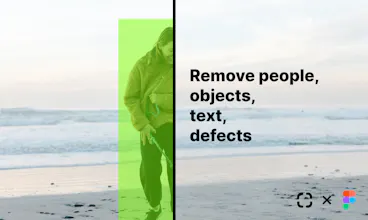
Use the most advanced image processing tools from ClipDrop directly in Figma: Remove background, object, text, people or defects in 1 click. And automatically decompose images into multiple layers!
Hey makers!
Today I'm very excited to publicly release the ClipDrop Figma plugin!
You can finally use the most advanced image processing tools from ClipDrop directly in Figma:
- Remove the background with incredible accuracy
- Remove objects, people, text or defects
- Enhance images and magically increase the resolution
- Remove noise & compression artefacts in 1 click
The free mode provides unlimited processing of images and there's no subscription required to use it! ClipDrop Pro unlocks high resolution and some functionalities.
How it works:
- Run ClipDrop from the plugins menu.
- Sign in with a free or ClipDrop Pro account
- Select 1 or multiple images from your document.
- Click on the action you want to perform "Remove background", "Decompose", "Cleanup" or "Upscale"
- Et voilà! :)
Please let us know what you think, and I can't wait to see what you create with it! 🙌
The decompose feature is mindblowing if it works as advertised, it's a valuable feature to have in Figma. The background removal too. Well done with the launch, I'll be mentioning it in my live stream today.
ClipDrop
Flipbook
ClipDrop
ClipDrop
Dashblock
ClipDrop
AppLogger by PLG Works
ClipDrop
cam.how
Product Hunt
ClipDrop
Product Hunt
Super
ClipDrop
Riot
ClipDrop