
Linguo Translate
Offline & AI Translation for macOS
77 followers
Offline & AI Translation for macOS
77 followers
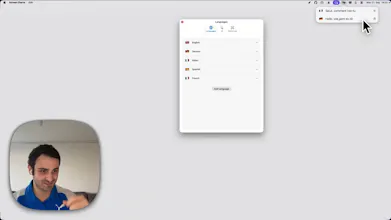
Linguo is a translator located in the macOS menu bar. You can translate using the menu bar icon with offline support for 22 languages or use AI translation with Apple Intelligence, Gemini, OpenAI, or Anthropic. It allows you to switch easily between native translations and AI translations.


Congrats on the launch, Gabriel. How well does the offline mode hold up for the trickier of the 22 languages, or is that where you'd tell people to switch to an AI model?
@protsenkoalexandra Offline translations work well—you have to download the language pack to use it offline—but AI provides much better results. Of course, you need an active internet connection to use AI.
@sgroiga Makes sense, thanks Gabriel.
I bounce between two languages most days, and I've done the app shuffle to translate a single line one too many times. Having it sit in the menu bar offline is handy.
@robin_de_lacroix Absolutely. It starts as a single line at the beginning but expands based on the space you need. If you only have two languages, it's even better because you just work within the respective language without any extra choice.
Use the Tab key to switch between languages.