
Lumo Studios
Build Decks that Speak for Themselves
161 followers
Build Decks that Speak for Themselves
161 followers
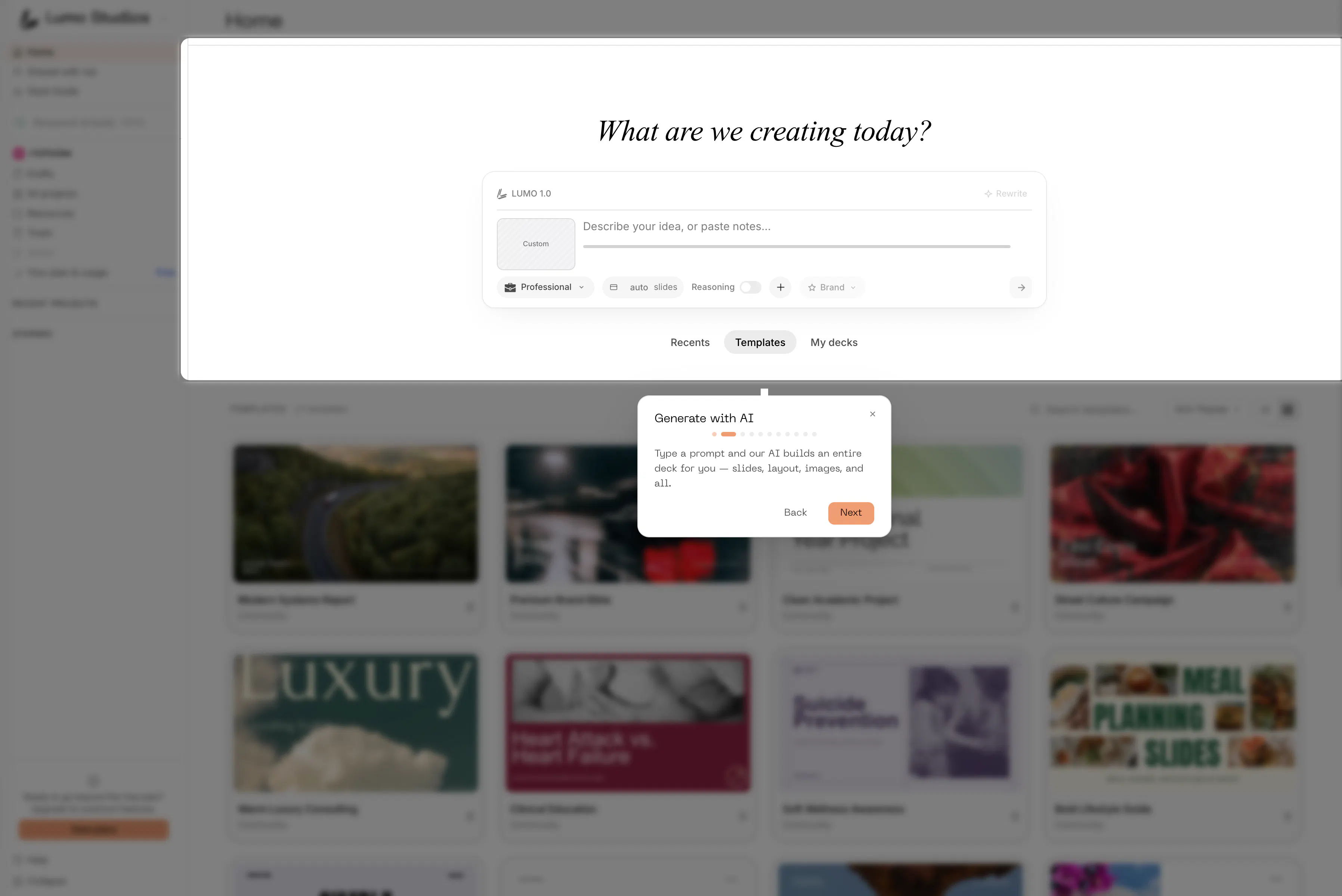
Great ideas deserve great slides. LUMO uses AI to turn your thinking into polished decks instantly, beautifully, and exactly the way you want them. LUMO turns your ideas into beautiful presentations in seconds. Generate slides from a prompt, refine them in the canvas editor, and share with your team - all in one place.


Free Options
Launch Team

Render: Get up to $100K in startup creditsThe fastest way to deploy and scale apps and agents
Promoted


Hey Product Hunt 👋
Nicholas here. We built LUMO Studio because building slides is the part of work everyone quietly dreads hours lost wrestling with layouts, fonts, and alignment instead of focusing on the actual ideas.
LUMO flips that. You describe what you want, and it builds a clean, beautiful, fully-structured deck in minutes. No template-hunting, no design skills needed, no “why won't this box line up” at 1am.
What makes it different:
• It handles structure AND design, not just one
• The output actually looks intentional, not auto-generated
• You stay in control — tweak anything with a sentence
We'd genuinely love your honest feedback, and if it saves you even one late night, that's a win for us. We will continuously build to make it the best tool that everyone can use! AMA in the comments 🙏
The canvas editor part is very important to me. A lot of AI deck tools create a decent first draft but editing the details afterward can still be painful. Does LUMO give much control over layout and visual style after the deck is generated or is it more focused on getting the first version done quickly?
@busra_seker1 Yeah this was honestly the main thing we obsessed over, because we ran into the same problem with every other tool we tried. The draft looks fine and then you spend an hour fighting with it.
So with LUMO you're not stuck with whatever it gives you.
After it generates, you go into a proper canvas editor and can actually move stuff around, resize things, change the layout, swap images, mess with fonts and colors, fix the spacing, whatever you need.
You can also change the overall style and it'll update the whole deck so it stays consistent instead of you fixing every slide one by one.
Or if you don't feel like dragging things around, you can just type what you want changed and it does it.
Basically the first version comes together fast but you've still got full control after.
Can you import brand guidelines or do you need to have a template already built out?
@sasha_mcclendon
No template needed at all, you can bring your brand in directly. There's a Style Guide section where you can either upload a brand guidelines PDF, drop in some inspiration images, or just paste your website URL and it'll pull everything from there.
It reads your site and builds out a full brand kit, so it grabs your colors with the actual hex codes, your fonts, logo and brand images, even picks up on your brand values and tone.
Then that becomes the style your decks are built on, so you're not starting from a blank template and trying to recreate your brand by hand.
So short answer, you can import guidelines OR just point it at your site, whichever's easier for you.
Interesting approach. How do you balance automation with maintaining a unique brand identity across presentations?
@marianna_tymchuk It's the thing we think about most. The automation works inside your brand, not instead of it, so it builds within your saved brand kit (colors, fonts, logo, tone) rather than inventing a new look each time.
The repetitive stuff gets automated, like layout and structure, but the identity stays yours, and since every deck pulls from the same brand kit they stay consistent with each other.
Then you can fine-tune anything in the canvas. Automate the busywork, keep the brand front and center.