ShellMate
Manage SSH servers, credentials, and teams in one place
270 followers
Manage SSH servers, credentials, and teams in one place
270 followers
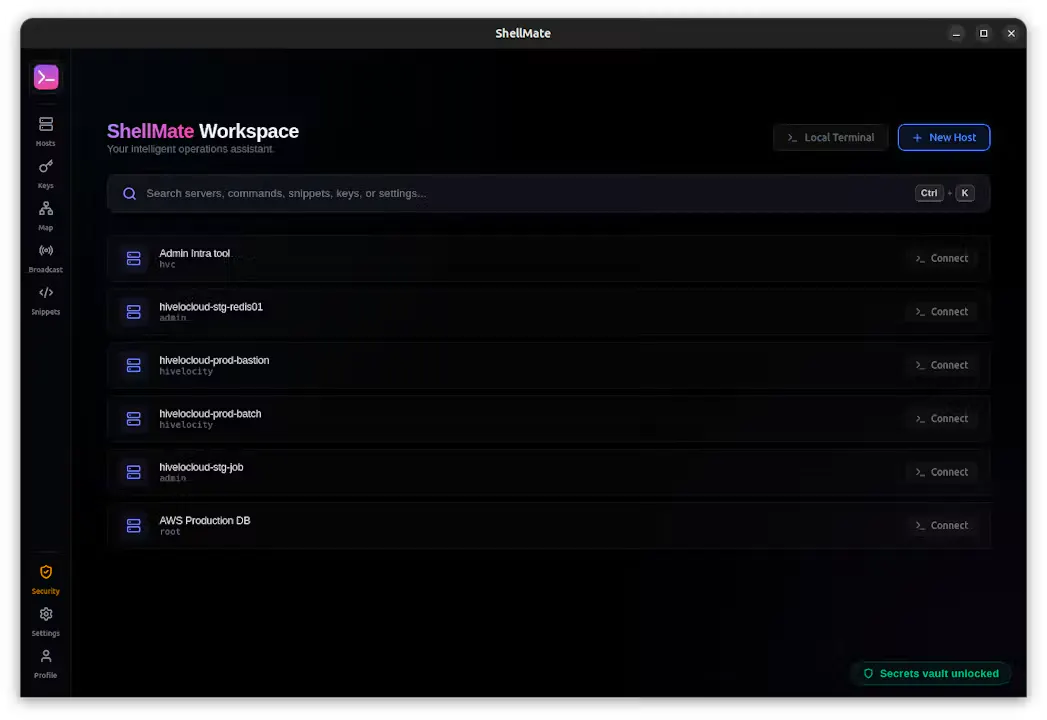
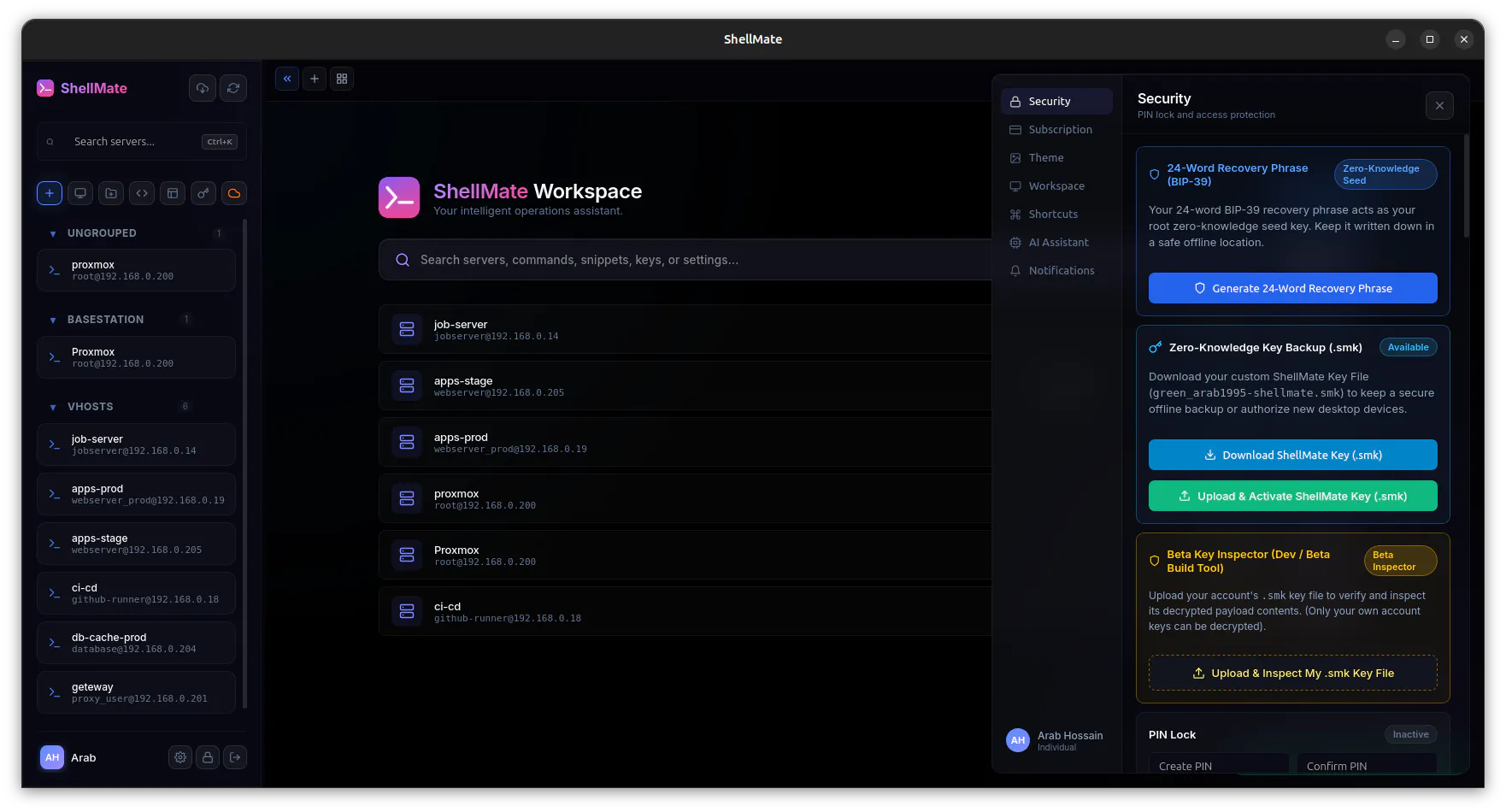
ShellMate is a modern SSH workspace with native terminal sessions, permission-aware team access, server-managed encrypted credentials, and auditable connection controls.
This is the 2nd launch from ShellMate. View more
ShellMate
Launched this week
ShellMate is a modern SSH workspace built for developers, system administrators, and DevOps teams. Connect to unlimited servers with tabs, split terminals, SFTP, snippets, session sharing, and AI-powered assistance, all in one native desktop app for Windows, macOS, and Linux. Free forever for individual users without AI features, with affordable plans for teams that need collaboration and AI.


Free Options
Launch Team
ShellMate
The permission-aware team access plus auditable connection controls is what I'd use for managing community infrastructure — shared SSH access with a visible trail matters more than fancy features when you're onboarding contributors who need quick server access for a launch. The first thing I'd test is whether you can scope a credential to a specific remote user account rather than just a specific server, since giving a contributor access to one server but not root on it is a common requirement for developer communities. Does that granularity live at the ShellMate credential level, or does it rely entirely on how the SSH config is set up on the server itself?
ShellMate
@hazy0 Great question. The server is still the source of truth for permissions, ShellMate doesn't override your SSH or Linux security model.
At the ShellMate level, you control which credentials and identities are shared with each teammate. So, for example, you can give someone access to the deploy account without sharing the root credential. What that user can do after connecting is then determined by the server itself (SSH configuration, sudo permissions, groups, etc.)
On the AWS side of a fleet, the direction has been away from distributing SSH credentials at all. Session Manager gives you no inbound port 22, IAM as the authz layer, and CloudTrail for the audit trail, which overlaps a fair bit with what permission-aware access and auditable connection controls are solving here.
Can ShellMate open a session through SSM, or is the connection model fundamentally key-based?
ShellMate
@rahulladumor Oh gosh, great catch. We completely overlooked the SSM connection model. Thanks for pointing this out!
We just discussed it with the team, and we agree it fits well with where ShellMate is heading. We'll be working on adding AWS SSM session support soon. Really appreciate the suggestion!
congrats on the relaunch, solid feature list for a solo build. question on the "server-managed encrypted credentials" part since you're tagged as a password manager too - if your server ever got compromised, could whoever broke in actually decrypt stored SSH credentials, or is it architected so you (the ShellMate team) never hold the keys either? that's usually the deciding factor for me before I'd trust a tool with root access to a bunch of servers.
ShellMate
@galdayan Thanks! Great question, it's something we've thought about a lot.
Today, ShellMate encrypts credentials both in transit and at rest, but it isn't a zero-knowledge architecture yet. We want to be transparent about that rather than claim something we don't support today.
The good news is that we're already designing the next generation of our credential system with zero-trust / zero-knowledge in mind. The goal is for encryption keys to remain under the user's control, so even ShellMate wouldn't be able to decrypt stored credentials. We're also designing it with backward compatibility so existing users can migrate smoothly without losing data.
Security is a huge priority for us, especially since people trust ShellMate with production infrastructure. We'd rather build this properly than rush it, and it's one of the major areas we're actively working on.
@arabhossain appreciate the straight answer, that's a more honest response than most tools give on this. one follow-up - for the users on the current architecture (before the zero-knowledge version ships), is there anything they can do today to reduce that exposure, like a client-side passphrase on top of what you're already doing, or is that just not supported yet either?
ShellMate
@galdayan Thanks! Yes, while our full zero-knowledge vault architecture is currently in development, you can significantly reduce exposure today by using passphrase-protected SSH keys and leaving the passphrase field intentionally blank in ShellMate. By doing this, ShellMate only stores the locked private key. When you connect, the terminal will prompt you to enter the passphrase locally on your machine. Your passphrase is never transmitted to our API or stored in our database, meaning even in the event of a server compromise, your SSH keys cannot be used.
@arabhossain that's a genuinely useful workaround, not just a wait-for-v2 answer. the blank-passphrase trick makes sense - good middle ground until the zero-knowledge vault ships. appreciate you walking through both layers instead of just pointing at the roadmap.
a centralized vault for SSH credentials across a whole team is a really juicy target if it's ever compromised, basically a master key to every server the team touches. what's the actual encryption model here, is it end-to-end so ShellMate itself never sees plaintext credentials, or does the server hold keys that could decrypt everything if you got breached?
ShellMate
@omri_ben_shoham1 That's a great question, and you're right to ask.
To be transparent, the current SSH vault uses server-side encryption, so it isn't fully zero-knowledge yet.
If you're using SSH keys, you can improve security today by not saving the key's passphrase in ShellMate. The app prompts for it locally when you connect, so the passphrase never reaches our servers. That means an encrypted key alone isn't enough to use it.
We're already designing and building a true zero-trust/zero-knowledge architecture with backward compatibility, so existing users will be able to migrate smoothly once it's ready.
Congrats on the launch! Credentials sprawl is the part nobody warns you about until you are three machines deep. Is the team side aimed at small teams sharing a handful of boxes, or bigger setups with proper access rules?
ShellMate
@terminal_candy Thanks so much! 🙌
Credential sprawl is actually one of the main problems we built ShellMate to solve. The team side is designed for growing teams that need controlled server access without directly sharing SSH credentials between people.
Instead of distributing keys or passwords, teams can share access to hosts through permission controls. When a user connects, ShellMate handles the credential usage behind the scenes based on the access they have.
With our dynamic RBAC system, teams can create custom roles, apply granular permissions, organize servers, and separate who can manage access from who can actually start a connection.
The goal is to make server access easier to manage while keeping control and visibility for the team.
Curious if theres any plans to open source the client in the future?
ShellMate
@inferhaven Thanks! We haven't made a decision on that yet. Right now, our focus is on building the best product we can. That said, we're definitely open to the idea and will keep evaluating it as ShellMate grows. If we do go down that path, we'd likely start by open-sourcing selected components rather than the entire client.