Launched this week
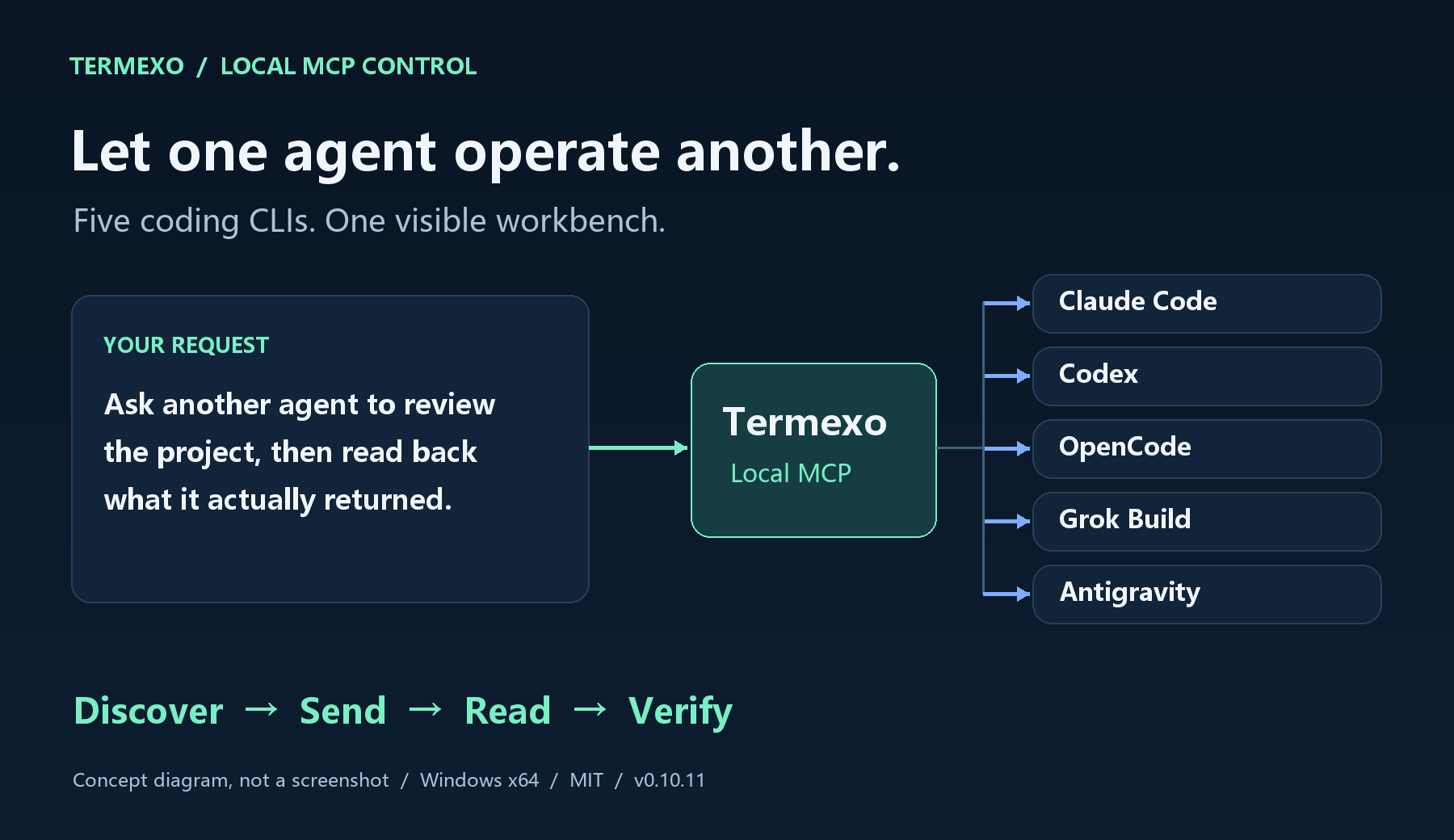
Termexo brings Claude Code and Codex into one recoverable Windows workspace. Arrange real PTY terminals in custom grids, search and resume native sessions, get notified when an agent needs approval, and switch Claude-compatible model profiles without rebuilding environment variables. Local-first, no Termexo account required.


Termexo
Storing API keys in Credential Manager is the right call. One thing I would want to know: does each model profile get its own isolated key, or is it one key shared across all agent sessions at once? Running a client project next to a personal one, I would want those credentials fully separated at the profile level.
Termexo
@hi_i_am_mimo Yes—credentials are isolated per Model Profile, not shared globally.
Each profile gets its own Windows Credential Manager entry, keyed by the profile ID. When a terminal starts or resumes, Termexo loads only the key belonging to its selected profile and injects it into that terminal’s environment. This means a client profile and a personal profile can run side by side with different API keys without overwriting or sharing credentials. Only the credential reference is stored in Termexo’s database; the plaintext key is not. The security boundary is still the current Windows user account, but within Termexo the separation is fully profile-level.
the recoverable part is what caught my eye more than the grid layout. when you say it resumes native sessions, does that survive an actual Windows update reboot or a crash, where the PTY process itself is gone, or is it more like restoring the pane arrangement and scrollback while the underlying agent process has to be kicked off fresh? that distinction matters a lot if you're mid-task on something long running.
Termexo
@omri_ben_shoham1 That distinction matters. Termexo restores a native session, but it does not checkpoint the live process. After a reboot or crash, the PTY and agent process are gone. Termexo creates a fresh PTY and relaunches Claude Code or Codex using the CLI’s native session ID—claude --resume or codex resume. The conversation context, workspace, model/profile selection, and layout survive because they are stored on disk. Raw terminal scrollback and an operation currently in flight do not survive. If the agent was midway through generating a response or running a tool, that action must be restarted or prompted to continue. Files already written remain on disk. So “recoverable” means fresh process plus restored native context, not process-level checkpointing
Alerting when an agent needs attention is the right primitive. The one nobody builds is the opposite alert, for the agent that's quietly burning your tokens on a loop going nowhere. The profiles already hold the API key, so you could put spend per session next to each PTY tab, and that number changes behaviour faster than any layout feature will. Running two agents at once and having no idea which one ate the budget is the part that actually costs me.
Your answer to Omri is the most interesting thing on this page and nobody has followed it.
Files already written remain on disk, and the in flight operation does not survive. So after a crash the filesystem has moved but the agent's belief about what it did is gone. On resume it reads a conversation that stops mid action, and nothing in that transcript tells it whether the tool actually completed. It cannot separate "the tool ran and I never saw the result" from "the tool never ran". If the action was idempotent that is harmless. If it was a migration, a push, a POST or an append, then redoing it and skipping it are both wrong and it has no basis to choose between them.
The useful part is that Termexo is the only component that knows a crash happened. The CLI does not, because from its side a resume looks like a resume.
Which means the fix is not process checkpointing, it is a note. On a resume that follows an abnormal exit, inject something the agent will read: this session was interrupted at 14:32 partway through an operation, verify state before continuing. That turns a confident silent continuation into a cautious one and it costs you one string.
At the moment a clean resume and a resume after the machine died look identical to the agent, and those are the two cases that most need to look different.
Asking as someone who runs agents on Windows daily: does the app currently know the difference between being closed properly and being killed?
Windows-native is the underserved half of this space — most of the agent tooling assumes macOS, and the WSL workaround means your agent and your editor disagree about what a path is.
Does it run the agent inside WSL, on native Windows, or does it let you pick? I ask because the path translation is where I'd expect the friction to actually live. An agent that writes /home/user/... into a config a Windows tool has to read is the kind of thing that works in the demo and breaks in week two.
Termexo
@ark_y_k on native Windows
@guomengyue1987_beep Native it is, then — that's the harder half and the reason the WSL products don't actually solve this.
Which puts the path translation inside the agent's output rather than at your boundary. Claude Code writes /home/user/... or ./src/foo into a config, a Windows tool reads it, and it works in the demo because everything was relative. Do you rewrite what the agent emits, or leave it and let the model learn the environment from what's already in the repo?
The related one I'd worry about more, given that recoverable sessions are the pitch: on Windows there's no PTY in the Unix sense and no session that survives its parent process the way a detached one does. When you resume, is that a real process reattached, or a reconstructed transcript with a fresh process behind it? Those look identical until something in the agent's session had state that didn't get written down.
Also, I'm on X as @ark_y_k if you're there — easier than tracking each other through PH threads.
Termexo
@ark_y_k ok , my X is @gemronguo
@gemronguo @guomengyue1987_beep Followed. @ark_y_k on my side.
I'm launching on PH next week — first one — so I'll probably be back with questions about how you got to #8 on day one.
The "notified when an agent needs approval" bit is the killer feature — babysitting permission prompts across parallel sessions is exactly what breaks the multi-agent workflow right now. How are you detecting the approval state, hooking into the agent's own permission protocol or parsing the PTY output? And does session resume survive a full machine reboot or just app restarts?