
Launching today

Everyone's building AI chatboxes. Jan, LM Studio, Ollama — they run models locally, but all you get is a chat window. Cloud tools like ChatGPT and Claude are smarter, but cost $20-100/mo and can't touch your files. Vox is different. A local AI that acts: voice commands, iMessage gateway, screen overlay, file ops, background agents. All offline, all free. Mac-first today. Windows and Linux are next — and it's open source, so you can help bring it there.

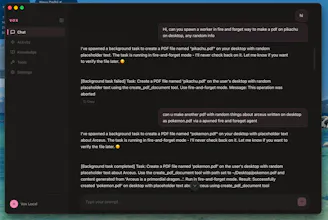

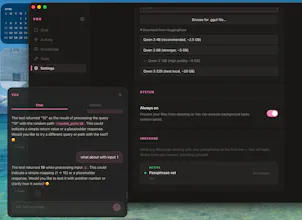
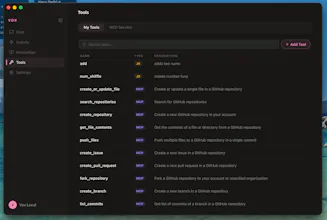
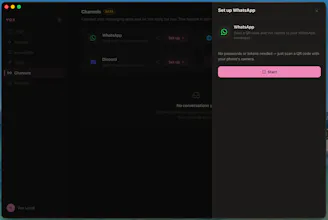

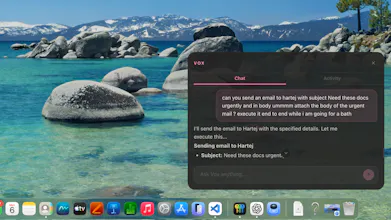
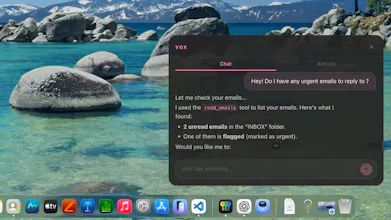


I tried Vox AI after getting frustrated with traditional chatbots and was surprised by how different it feels. Once I installed the DMG and granted the necessary permissions, Vox immediately began indexing my local files and desktop not by sending anything to a server, but by running entirely on my Mac.
This local‑first design means there’s a short delay when tasks are heavy, but it also gives Vox a remarkable “set it and forget it” feel. I can tell it to research a topic, summarise my inbox or draft a reply, and it quietly works in the background while I carry on with my day.
One feature I recently started using a lot is Mac control, I can now leave my laptop at home, and get stuff done just by texting my laptop. Vox emails me my files, edits them and researches all while I am maybe exercising or eating.
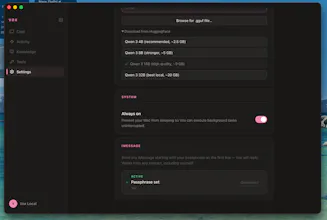
Because Vox runs entirely on your Mac, there are no usage limits or hidden costs . It also means your data is private by default: there is no login system, no analytics, and you can even disconnect from the internet and keep using it .