
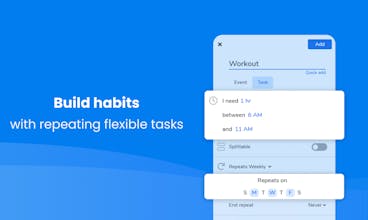
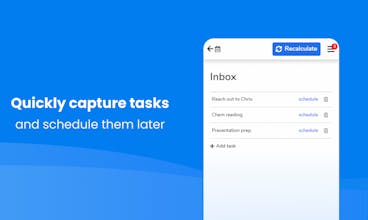
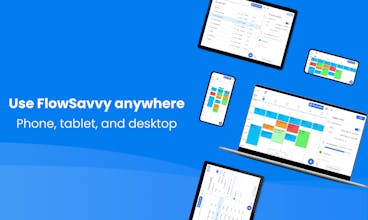
FlowSavvy intelligently schedules tasks from your to-do list into your calendar and automatically reschedules when plans change, so nothing falls through the cracks. FlowSavvy is hyper focused on intuitive auto scheduling for individual professionals, with all the auto scheduling features you need without the complexity and clutter of team features. It integrates with Google, Outlook, and iCloud calendars and features fully functional iOS, Android, and Web apps.




FlowSavvy
Hi Karl,
Thank you so much for your review and suggestions! I really appreciate you taking the time to let us know how we can improve!
Regarding the events from family members, if you have calendars from family members where some of the events do affect scheduling and some don't, the way to handle this is to turn off "Busy" on events that shouldn't affect the task scheduling. If you don't want that setting to sync back to the family member's calendar, you can have them share the calendar with you with "view only" permissions, which will then allow you to edit the "Busy" setting in FlowSavvy without syncing that back to their calendar.
Please feel free to reach out if you have any questions about this!
Thanks again!