
Phantom
Voice-first AI agent that operates your Mac
124 followers
Voice-first AI agent that operates your Mac
124 followers
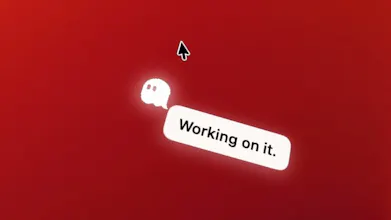
Phantom is a voice-first AI agent for macOS that is always accessible via the Mac notch. Instead of opening a chatbot window and moving work into a separate conversation, users speak or type from anywhere on their Mac, without interrupting their work. Phantom understands the relevant screen and app context and completes tasks directly within the user's workflow. The possibilities are only limited by the imagination of the user.



the reversibility question above is the big one, but there's a smaller version that would hit way more often: if it's voice-first and always accessible, is it listening for a wake word continuously, or do you have to trigger it? because the failure mode I'd actually run into daily isn't a misheard delete, it's being on a screen share or call and someone else's voice on the meeting triggering an action mid-conversation. does it know the difference between you talking to it and you talking to a person while it happens to be open?
I like the idea of making AI available everywhere instead of living in yet another chat window.
I'm curious: after using Phantom internally, what are the tasks where people naturally switch to voice instead of typing? I'd love to know what became the biggest "aha!" moment for your users.
How about privacy? How and where do you process it? Do you then store it anywhere?
the part I'm stuck on isn't privacy, it's reversibility. "click, type, organize, carry out tasks just as you would" means it can also delete the wrong file, send a message before you meant to, or submit a form, and voice commands are inherently less precise than a mouse click you can see land. what's the undo story for an action that's already irreversible by the time you notice it misheard you? until that's answered clearly I'd be nervous giving something this much control over my actual Mac, not just a sandboxed chat window
@benaja_heger that helps for the obvious cases, but I think it depends a lot on where the line for "sensitive" sits. deleting a file or sending a message doesn't feel like it belongs in the same bucket as a payment or a password, but it's still something I'd want a heads up on before it happens, not after. and even with the manual permission step - if Phantom misheard me in the first place, the confirmation prompt is just going to summarize back the wrong action in a way that sounds perfectly reasonable. does that summary show enough of the literal transcription that I'd actually catch a misheard word before approving, or is it a paraphrase of what it thinks I asked for?
Finally tried Phantom and the notch placement feels genuinely clever, I can just dictate a quick question without leaving whatever I was working on. Screen context awareness works better than I expected for grabbing text from a doc.