
Gutta
A tiny, offline task list for your Mac menu bar
174 followers
A tiny, offline task list for your Mac menu bar
174 followers
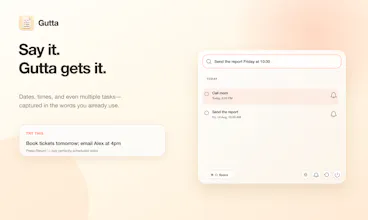
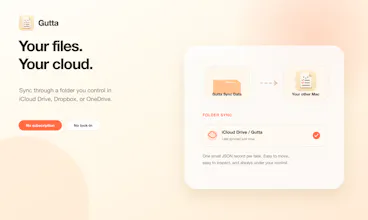
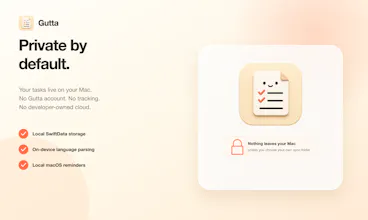
Gutta is a tiny, keyboard-first task list for the Mac menu bar. Press ⌘⇧Space, type tasks the way you say them, and get back to work. It understands natural dates and times, turns semicolon-separated input into multiple tasks, and schedules local reminders. Everything is stored on your Mac, with optional sync through a folder you control in iCloud Drive, Dropbox, or OneDrive—no Gutta account, subscription, tracking, or developer-owned cloud.


Free
Launch Team

Framer AI AgentsDesign and publish professional sites with AI
Promoted
@vkpdeveloper " not pull you into another app" i think this is the best point of the app.
Love the minimalistic look :) What did you use for building it?
@busmark_w_nika SwiftUI
I like the UI... I'm curious how you handle conflicts when two devices edit the same task list while offline.
Really like the idea of a fast, offline task capture tool that stays out of the way.